
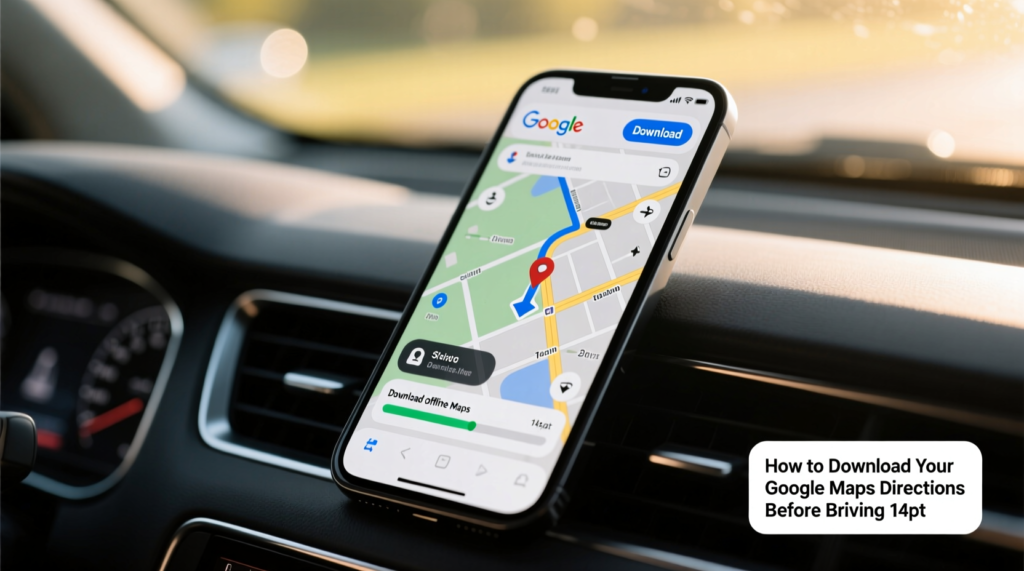
Long road trips in Nigeria often take you through areas with weak or no network coverage, making real-time navigation unreliable. Google Maps offline mode allows you to download maps in advance and navigate confidently even when there is no internet connection. This feature has become essential for many drivers who travel between cities or explore rural areas where mobile data is inconsistent or expensive.
Downloading maps for offline use is straightforward. Open Google Maps on your phone, search for the area or city you plan to visit, and tap the download option. You can choose specific regions or entire states depending on your trip. The downloaded maps include roads, points of interest, and basic navigation instructions. They take up storage space on your phone, so make sure you have enough memory available before starting the download.Once downloaded, offline maps work almost like the online version for basic navigation. You can search for places, get turn-by-turn directions, and see estimated arrival times based on typical traffic patterns.
The system uses your phone’s GPS to track your location even without network. However, real-time traffic updates, alternative routes based on current conditions, and some business information will not be available.For Nigerian road trips, offline maps are particularly useful on routes like Lagos to Ibadan, Abuja to Kaduna, or journeys to smaller towns where network coverage drops frequently. Many drivers download maps for their entire route plus surrounding areas to handle unexpected detours caused by bad roads or construction.
Battery management becomes important during long trips. GPS uses significant power, so carrying a good power bank is essential. Turn off unnecessary apps and reduce screen brightness to conserve battery. Some drivers use phone holders with built-in charging to keep their devices powered throughout the journey.Accuracy is generally good for major roads and highways, but smaller roads and newly constructed routes may not be perfectly updated in offline maps. Combine offline navigation with local knowledge and physical road signs for the best results. Many experienced drivers also carry printed maps or note important landmarks as backup.
Updating your offline maps regularly when you have good internet connection keeps them current. Google Maps allows you to manage downloaded maps and remove old ones to free up space. Setting your phone to download maps automatically over Wi-Fi prevents unexpected data charges.For longer trips, consider downloading maps for multiple regions. This ensures you have coverage even if you change your route due to traffic or road conditions. The system will automatically switch between offline maps as you travel.Many Nigerian drivers who frequently travel have found offline Google Maps to be a reliable companion that reduces stress during network blackouts.
The feature works well for both Android and iPhone users, though the exact steps may vary slightly between platforms.While offline maps are incredibly useful, they have limitations. Voice navigation may not work as smoothly without internet, and some advanced features like lane guidance might be reduced. Always plan your major routes in advance and have alternative navigation methods available.Using Google Maps offline transforms potentially stressful road trips into more manageable journeys.
By downloading the right maps before you leave and combining them with careful driving and local knowledge, you can navigate confidently even in areas with no network coverage.The convenience and safety benefits make offline maps one of the most valuable tools for anyone who travels regularly in Nigeria. Taking a few minutes to prepare before your trip can save hours of confusion and stress on the road